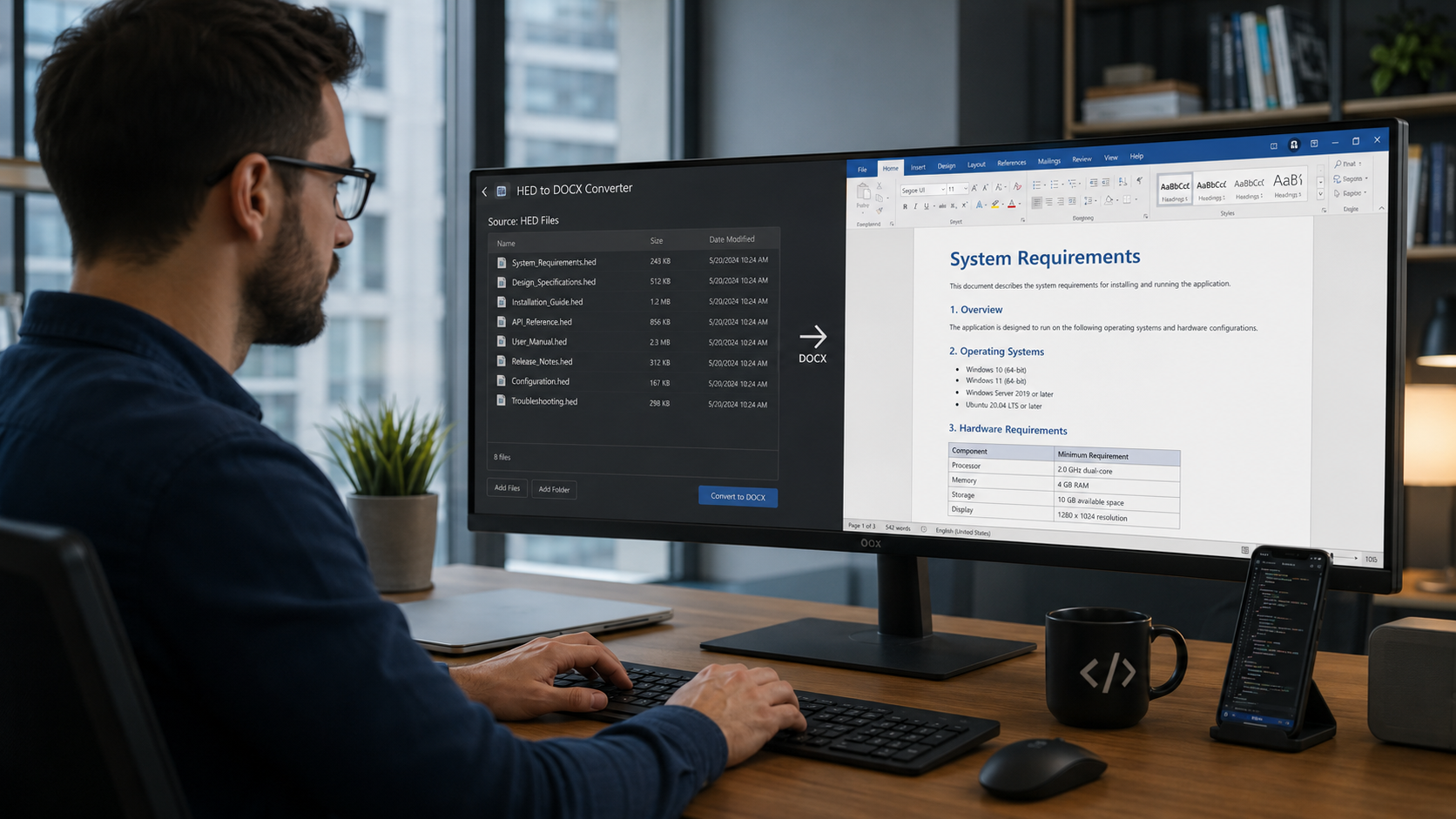
Legacy HighEdit archives do not always contain documents that should simply be preserved as PDF.
Some HED files still need to be edited, reused, transformed, or imported into a modern document processing application.
For these documents, converting HighEdit HED files to DOCX can provide a practical migration path.
HEDBridge converts legacy HighEdit documents into modern document formats, including DOCX, allowing organizations to move editable content out of a discontinued proprietary format.
Why Convert HED to DOCX?
PDF is an excellent destination for completed documents, but it is intentionally focused on preserving a fixed document representation.
That is not always what a migration requires.
A legacy application may contain HED documents that are still used as:
- Letter templates
- Report templates
- Forms
- Standard correspondence
- Working documents
- Reusable document layouts
If these documents are converted only to PDF, much of their future editability is lost.
DOCX is a better choice when the document needs to remain part of an active workflow.
Remove the Dependency on HighEdit
HED is a proprietary legacy format.
Modern office applications, browsers, and document processing libraries generally do not support it directly.
This means that maintaining the original HED archive can require continued access to the legacy application that created the documents.
Converting those files to DOCX changes this.
DOCX is widely supported and can be used by modern applications, editing components, document automation systems, and migration workflows.
HED to DOCX for Application Modernization
Consider a legacy application that used HighEdit to create customer letters.
The application may have accumulated hundreds of templates such as:
appointment-letter.hed
invoice-letter.hed
reminder.hed
patient-letter.hed
A modernized application still needs these templates, but the organization no longer wants to depend on HighEdit.
Instead of manually recreating every template, the existing HED files can be converted to DOCX and evaluated for use in the new system.
This can significantly reduce the effort required to migrate years of existing document assets.
HED to DOCX vs. HED to PDF
The main question is whether the document needs to remain editable.
Use PDF or PDF/A when the document is complete and primarily needs to be viewed or archived.
Use DOCX when the document needs to remain editable or reusable.
For example:
| Legacy Document | Typical Target |
|---|---|
| Completed patient letter | PDF/PDF/A |
| Historical invoice | PDF/PDF/A |
| Letter template | DOCX |
| Reusable report template | DOCX |
| Archived clinical report | PDF/PDF/A |
| Working document | DOCX |
A migration can therefore use several target formats depending on the role of each document.
Preserve Document Structure
Editable documents can contain much more than plain text.
Depending on the original HED document, the migration may need to preserve elements such as:
- Paragraph formatting
- Tables
- Headers and footers
- Page layout
- Fonts
- Images
- Lists
- Page breaks
- Sections
This is why a structured document conversion is different from simply extracting text from a file.
The goal is to create a modern editable document that retains as much of the original content and layout as possible.
Batch Convert HED Templates
Organizations that used HighEdit over many years may have hundreds or thousands of templates.
Those files can be converted systematically rather than manually recreating each document.
For example:
Source

templates/letter1.hed
templates/letter2.hed
templates/report1.hed
templates/report2.hed
can become:
Output

templates/letter1.docx
templates/letter2.docx
templates/report1.docx
templates/report2.docx
This provides a starting point for reviewing and adapting the templates in the new system.
Use the console to convert a template folder to editable DOCX files:
HEDBridge.exe /s:D:\Archive\Templates /d:D:\Migration\Templates /f:docx --recursive --continue-on-error
To preserve the source name while adding a clear migration suffix, use /n::
HEDBridge.exe /s:D:\Archive\Templates\appointment-letter.hed /d:D:\Migration\Templates /f:docx /n:{name}-converted
Migrating to TX Text Control
DOCX is particularly useful when the destination application uses TX Text Control.
TX Text Control can load and process DOCX documents, allowing converted HighEdit content to become part of a modern document editing and generation workflow.
A migration can therefore involve:
- Convert existing HED templates to DOCX.
- Review the converted templates.
- Adapt document automation fields where necessary.
- Load the documents using TX Text Control.
- Continue editing and generating documents in the modern application.
This can be useful for software vendors replacing HighEdit within an existing product.
Not Every HED File Needs DOCX
It is usually unnecessary to convert an entire historical archive to an editable format.
Imagine a repository containing 500,000 HED files but only 300 reusable templates.
Converting all 500,000 files to DOCX could create unnecessary complexity.
A better strategy might be:
- Convert 499,700 completed documents to PDF, then validate the output as PDF/A if archival policy requires it.
- Convert 300 active templates to DOCX.
This preserves editability where it is needed while creating a stable archive for historical documents.
Identify Templates Before Migration
Legacy applications frequently store templates and completed documents differently.
The application database may contain information indicating whether a particular HED file is:
- A template
- A generated document
- A completed document
- A draft
- An archived document
Understanding these relationships before conversion can dramatically improve the migration strategy.
Test the Converted DOCX Files
After conversion, test representative documents in the applications that will use them.
Check:
- Text content
- Paragraph formatting
- Tables
- Headers and footers
- Images
- Page layout
- Fonts
- Pagination
For templates, also confirm that any document automation concepts required by the new application are implemented correctly.
The converted DOCX file provides the document content and layout, but application-specific logic may still need to be adapted as part of the migration.
Keep the Original Files During the Migration
Retain the original HED files until the migration has been validated.
This makes it possible to compare the converted DOCX document with the original and to repeat the conversion if migration requirements change.
The purpose of HEDBridge is not to force an immediate replacement of the source archive, but to provide access to its content in modern formats.
Convert HighEdit Content into an Editable Future
Historical completed documents and active templates have different requirements.
PDF and PDF/A are ideal for preserving finalized content.
DOCX is a better choice when the document needs to remain editable.
With HEDBridge, legacy HighEdit HED documents can be converted into DOCX as part of a broader application modernization or document migration project.
This allows organizations to retire the dependency on HighEdit without automatically turning every legacy document into a static archive.