
HIPAA-conscious workflow
Keep protected health information inside your controlled Windows environment instead of uploading it to a conversion service.
HEDBridge
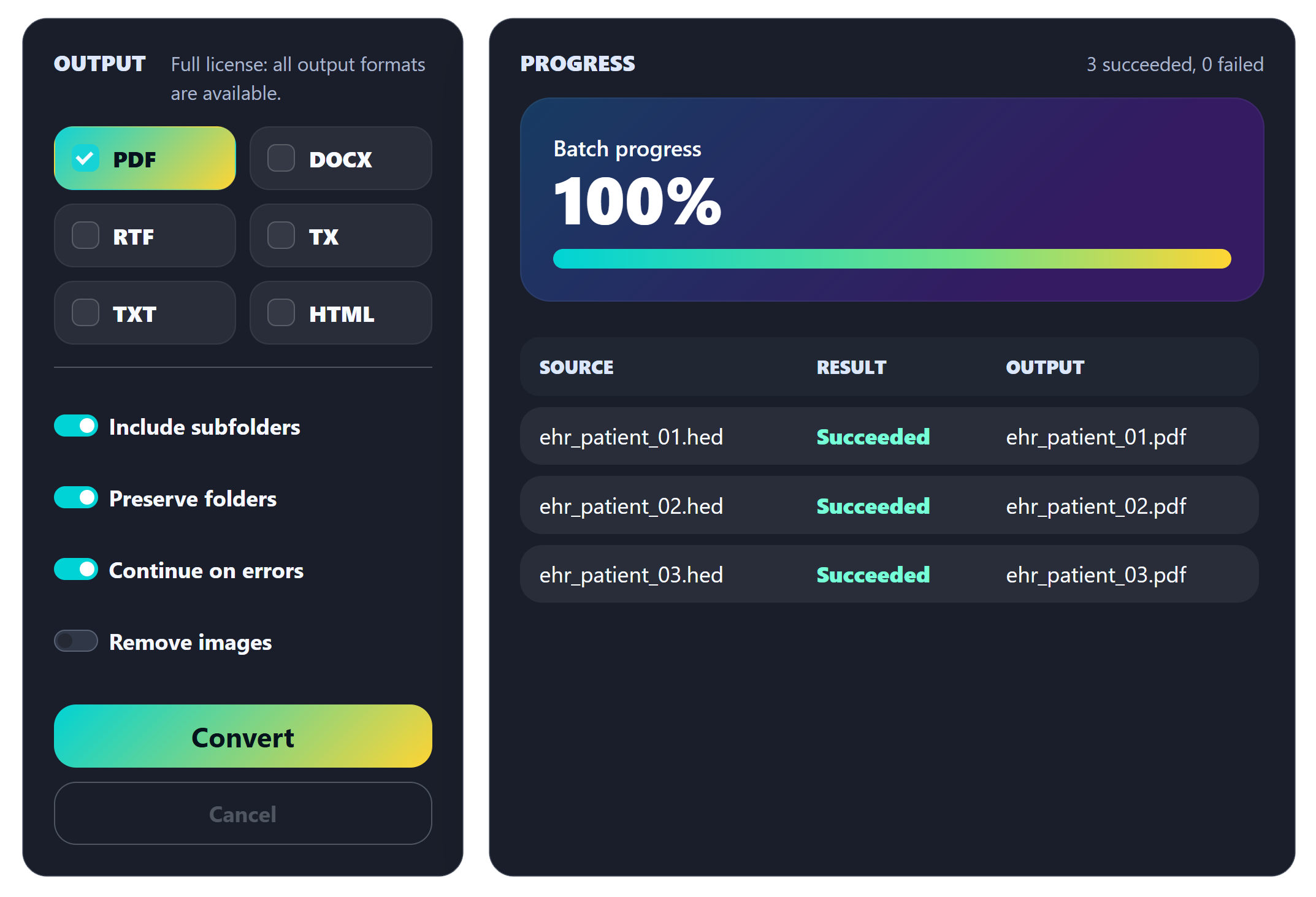
Convert HED archives from discontinued Heiler HighEdit applications, including NextGen EHR, into PDF, PDF/A, DOCX, RTF, HTML, and TX Text Control format. Built for batch processing, trusted EHR migration projects, and secure on-premises deployment without sending PHI outside your environment.
Free trial converts to PDF. No cloud upload required.
Purpose-built for teams replacing legacy HighEdit workflows in healthcare, legal retention, records management, and document processing systems.
Ready to use out of the box
Automation ready
Use the console build in scheduled tasks, migration scripts, release playbooks, or controlled archive runs. The same signed license token unlocks the command line and desktop versions.
Get the console downloadPS C:\Migration> HEDBridge.exe --license
Professional license active for HEDBridge 2.x. Licensed to migration@example.com.
PS C:\Migration> HEDBridge.exe /s:D:\Archive\HED /d:D:\Archive\Output /f:pdf,docx,tx --recursive --continue-on-error
HEDBridge
Source: D:\Archive\HED
Destination: D:\Archive\Output
Formats: pdf, docx, tx
License: Professional license active for HEDBridge 2.x. Licensed to migration@example.com.
[############################] 248/248 100.0% | 12.40 files/sec | referral-letter.hed
Summary
Files planned: 248
Files processed: 248
Succeeded: 248
Failed: 0
Outputs written: 744
Duration: 00:20.00
Speed: 12.40 files/sec
PS C:\Migration> HEDBridge.exe /s:D:\Archive\HED --extract-fields --recursive /d:D:\Audit
Application fields written to D:\Audit\application-fields.jsonOn-premises advantage
HEDBridge is not a hosted migration service. It is a downloadable application you install and run inside your environment, which is especially important when archives contain protected health information, legal records, or regulated business documents.
That makes it practical for healthcare IT teams, implementation partners, and internal migration groups that need predictable conversion at scale without routing sensitive documents through a third-party cloud.
Built for controlled environments
HEDBridge runs on the customer site. Your HED files stay inside your environment while they are converted or inspected.
Keep protected health information inside your controlled Windows environment instead of uploading it to a conversion service.

Process documents where your governance, retention, access, and regional data policies already apply.

Desktop and console conversion happen locally, including scheduled and scripted batch workflows.

Deploy on your servers or approved machines and keep operational ownership of the conversion pipeline.
HEDBridge supports local processing and compliance-oriented workflows; your organization remains responsible for its own regulatory controls and policies.
Convert thousands of HED files in repeatable jobs with configurable output formats and destination folders.
Run unattended conversion from scripts, scheduled jobs, migration playbooks, or controlled production windows.
Create long-term document output for retention, audits, clinical reference, and legal workflows.
Export to DOC, DOCX, and RTF when converted documents still need review, editing, or downstream processing.
Use TX format as a bridge into modern Text Control-powered medical document processing systems.
Install the app on Windows machines in your own environment and keep sensitive archives under local governance.
Yes. HEDBridge is a downloadable Windows application. Conversion runs inside your environment, so healthcare records, legal archives, and regulated business documents do not need to be uploaded to a cloud service.
The trial includes access to the desktop app, the console app, and a signed trial token. Trial conversion is limited to PDF output for evaluation batches.
Yes. The console version supports repeatable batch jobs with source and destination folders, output format selection, recursive processing, and continue-on-error workflows.
Paid tokens unlock the licensed major version and include minor and patch releases for that major version automatically.
Yes. Major versions use separate license keys. Users receive minor and patch releases automatically, but access to a new major version must be acquired separately.
Verified users sign in to the protected download portal. The portal lists every version available to the account, with desktop and console downloads plus the associated unlock key.
Validate HighEdit conversion with your own HED archives, the desktop app, the console app, and a signed trial token.
Download free trial